


.gif)
Welcome to NCTC’s AI Resource Hub! This page is designed to provide faculty, staff, and students with essential information on how artificial intelligence can be used effectively in education and the workplace. Whether you're looking for ways to enhance productivity, integrate AI into instruction, or understand institutional policies, this hub serves as a central resource to support responsible and innovative AI use.
Last Updated: 4/9/2025
Students
This section provides resources tailored for students to help them navigate the world of AI, focusing on ethical use, tools, and how AI can support their learning. Resources include guides on citing AI tools, using AI responsibly in coursework, and exploring fun AI-powered tools like BigInterview for interview practice and Canva for design.
-
AI Use in Coursework
Students should always refer to their instructor's syllabus or course requirements for specific statements regarding AI use in the classroom. It is important to understand which AI tools and assistance are permitted for assignments and exams. Unauthorized use of AI tools may jeopardize a student's academic integrity. For more information about Academic Integrity, students can consult the NCTC Student Code of Conduct
-
BigInterview: AI-Powered Interview Practice
Build the skills and confidence you need for successful interviews with BigInterview! This cutting-edge, AI-powered platform offers self-paced, personalized training to help you rehearse and refine your interview answers, providing instant feedback to improve your performance. Current students can access BigInterview through OneLogin.
Note: The contents of this platform were funded under a grant from the U.S. Department of Education. However, they do not necessarily represent the policy of the Department of Education, and no endorsement by the Federal Government should be assumed. North Central Texas College Award #P031S230237 Title V Developing Hispanic Serving Institutions 2023-2028 Grant.
-
Citing Generative AI
Below are links that explain how to cite Generative AI use in common styles:Citing Generative AI in APA Style
Citing Generative AI in Chicago Style
Citing Generative AI in MLA Style
Citation Guides coming soon!
FAQ
Generative AI, such as ChatGPT, can be used as a learning tool much the same way tutors can help. For example, you might ask AI to explain what a thesis statement or a comma splice is and give you examples. You could also use it to help brainstorm for ideas. For example, you could ask the AI for 10-15 points or aspects of a topic that could be used in an essay on a particular subject. When AI is used conversationally to explore a topic, it can be a useful exercise, but when it is asked to make decisions on a student's behalf, such as providing three specific points to discuss in an essay, the student may be approaching an ethical line.
When working with a living tutor, a student might ask for help understanding expectations, brainstorming ideas, and reviewing what they have written. A student could ask a tutor for sample papers, even sample papers on the assigned topic. The tutor could provide and review such examples with the student. Example papers and exercises are used in many textbooks to help illustrate an example of how to complete an assignment. However, if the student were to then take one of those samples and submit it in a course as if it were their own work, this would be plagiarism. The student should not ask a tutor to do any of the actual work for them. Similarly, Generative AI can explain, brainstorm, and produce sample papers on the assigned topic, but if a student submits the work produced by the AI as his or her own writing, this is plagiarism.
Recognizing the difference between what can be done and what should be done is a discussion of ethics. If a student did ask a tutor to do their work, although the tutor would have the skills and abilities to do so, he or she would decline the request based on a sense of ethics. AI cannot make ethical choices and is therefore vulnerable to abuse. It is, therefore, the responsibility of the user, in this case the student, to make ethical requests. Students at North Central Texas College are expected to make responsible and ethical academic decisions.
Any time any part of an academic assignment is written by someone or something other than the student, the original author must be cited. Otherwise, the student is misrepresenting him or herself. Taking credit for words or ideas that are not your own is plagiarism. The temptation to plagiarize may be heightened with generative AI because it seems like a victimless crime, but as AI gives you great power, remember that with great power comes a great responsibility.
Faculty will have the final say regarding whether and to what extent generative AI may be used in their courses. Likewise, faculty may enact consequences for violations of academic integrity, such as misuse of generative AI. Consequences may include a zero on the assignment with or without the option of a re-submission or a zero for the course.
Faculty may use tools such as TurnItIn to help recognize potential cases of generative AI use. TurnItIn will flag any AI, which includes appropriate AI tools like Grammarly. Be prepared to discuss your work with your instructors. In some cases, you may be asked more directly about your paper to ensure that you know the topic and are capable of producing the work submitted. Also be prepared to honestly account for your writing process and any help received. Please understand that getting help with your writing is part of the writing process and is highly encouraged as long as the help is not dishonest. Instructors often look for evidence that your thinking and process was ethical.
Employees
In this section, NCTC employees will find an introduction to AI concepts and its growing role within the college. It will include information on AI-powered tools available at NCTC, such as how AI can improve workflow and productivity, and also offer access to the AI use policy to ensure all employees understand and comply with ethical AI usage guidelines.
AI For Productivity
Artificial intelligence is transforming the way we work by automating tasks, streamlining workflows, and enhancing decision-making. This section provides guidance on leveraging AI tools for time management, content creation, research, and administrative efficiencies. From AI-powered writing assistants to data analysis tools, explore how AI can boost productivity while maintaining accuracy and ethical considerations.
- Polishing emails/ Refining documents
- AI for Document Summarization & Note-Taking
- Task Management & Prioritization
AI at NCTC: Policies & Guidelines
As AI continues to evolve, understanding institutional guidelines is crucial for ethical and responsible use. This section outlines NCTC’s policies on AI in academic settings, including best practices for faculty and students. Learn about data privacy, academic integrity, and ethical considerations when incorporating AI into coursework and professional tasks.
AI & Syllabus Policies: Setting Expectations in the Classroom
AI at NCTC: Current Tools & Resources
NCTC is actively integrating AI-powered tools to enhance productivity, instruction, and student support. Below is a list of AI-driven software and platforms available to faculty, staff, and students:
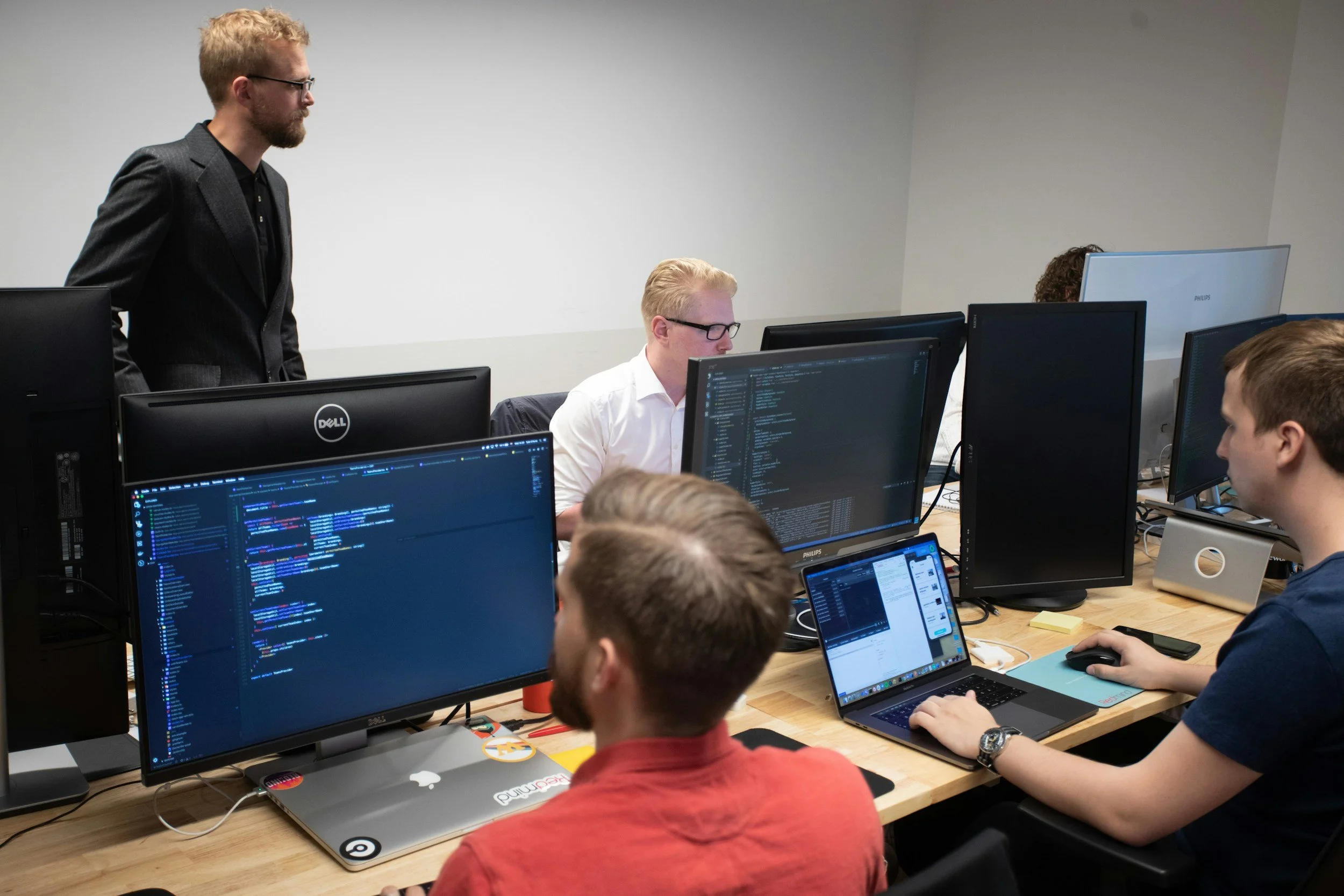
As part of NCTC's institutional Adobe Creative Cloud license, managed by the ITS department, full and part-time employees and students enrolled in an Adobe Course, have access to powerful AI-driven tools that enhance design, video editing, and content creation. These AI features streamline workflows, automate repetitive tasks, and unlock new creative possibilities.
- Adobe Firefly – AI-powered image generation, text-to-image tools, and creative effects.
- Photoshop AI (Generative Fill & Expand) – AI-assisted photo editing, background removal, and content-aware enhancements.
- Premiere Pro AI (Auto Reframe & Speech-to-Text) – AI-powered video editing tools, including automatic captioning, reframing, and scene detection.
- Illustrator AI (Retype & Generative AI Art) – AI-driven vector enhancements, font recognition, and smart object generation.
- Adobe Express AI (Quick Actions & Content Creation) – AI-powered design templates, text effects, and social media content generation.
- InDesign AI (Layout Assistance & Text Formatting) – AI-enhanced text formatting, smart layout suggestions, and document automation.
- Dreamweaver AI (Code Suggestions & Responsive Design) – AI-assisted coding, real-time website previews, and automated layout adjustments.

The eLearning Department offers AI-powered tools for faculty to enhance course design, video content, and student engagement. Faculty can reach out to eLearning for assistance with AI-enhanced instructional materials.
- AI Video Tools (Invideo AI) – Instructors can create engaging videos with AI-assisted editing, captioning, and automation features.
- Articulate 360 (AI-Powered eLearning Authoring) – A robust course development tool that allows faculty to create interactive, media-rich learning experiences. With AI-driven features like text-to-speech, automated slide narration, and responsive design, Articulate helps streamline course creation and enhance student engagement. Faculty can collaborate with eLearning to develop AI-enhanced instructional content.
- Genially (AI-Powered Course Design & Interactive Content) – AI-enhanced interactive presentations, gamified learning experiences, and multimedia-rich instructional content creation.
- Turnitin AI Detection – A tool that helps faculty assess AI-generated content in student submissions.

The Marketing Department leverages AI-powered tools to streamline design, branding, and content creation, ensuring professional-quality materials for NCTC’s outreach efforts.
- Canva - AI-powered Graphic Design (Magic Write & Magic Design) – AI-enhanced graphic design tools that generate visuals, templates, and content suggestions.

Career Services uses AI-powered platforms to support students in job preparation, resume building, and interview skills development.
- BigInterview – AI-powered mock interview and resume coaching platform that provides real-time feedback to help students improve their job application skills.
Instruction
This section is designed for faculty, adjuncts, division chairs, deans, and others in the Instruction division. It includes resources on using AI for instructional purposes, such as creating rubrics, developing interactive assignments, and producing AI-driven instructional videos. The goal is to equip instructors with practical tools to integrate AI into their teaching and enhance student learning.
AI Training
To support NCTC instructors in understanding/integrating AI into instruction, Canvas Refresh 2.0 now includes dedicated modules on AI. These training resources, available to current NCTC employees, cover topics such as how to use AI effectively in course design, student support, and overall teaching practices.
The goal is to empower faculty and staff with the knowledge to incorporate AI tools in a responsible and effective manner. Access to the Canvas Refresh 2.0 AI modules is available via Canvas for all eligible employees.
AI Workshop
NCTC is committed to providing ongoing training and professional development opportunities in AI. Recently, HR hosted a workshop led by Mike Coffey, SPHR, focused on using Generative AI effectively in various professional settings. The session provides valuable insights on how AI can streamline workflows, enhance productivity, and improve decision-making.
You can view the Training on Using Generative AI workshop below:
Watch the Training Video
Passcode: A.?7+ZS$
We encourage all employees to explore this valuable resource and participate in future workshops to stay informed on the latest AI tools and best practices.
AI Tool List for educators
Text/Language Generation










AI Detectors




Images and/or Video







AI Essentials
Download this reference guide as a reminder of how to use AI responsibly as a student, ways to prompt AI for student learning, and citing AI in academic work.
Download this guide to help you cite and acknowledge the use of generative AI in assignments.
Download this guide to learn useful ways to use AI as a staff member of the college, and ways that need to be avoided.
Download this guide to gain insight into ways to incorporate AI into the classroom, how it can and cannot be used for the college, and how to make a clear AI policy statement in your syllabus.
Lion AI Literacy Check Page
Want to make sure you're using AI the right way at NCTC?
Take this quick, anonymous check to review key guidelines, explore best practices, and strengthen your AI know-how.
Important Disclaimer:
Some of the tools listed above may require premium access, a paid account, or may not be free to use. This directory is intended to serve as a list of AI tools for exploration, and while NCTC provides Turnitin and Canva to faculty, access to other tools may require individual accounts or subscriptions.
About the AI Taskforce
The AI Task Force at North Central Texas College (NCTC) is a group of faculty and staff working together to explore the use of artificial intelligence in education. Our focus is on understanding AI technologies, finding ways to support teaching and learning, and addressing challenges to ensure positive outcomes for students and the college.
Our goals and mission are still in development, but we aim to provide valuable resources and guidance as NCTC navigates the growing role of AI in education.
Did we miss something?
If you have questions or a resource that we missed, send us a message!