




Section Heading
Custom formats can be applied via the TinyMCE editor to apply buttons styles to links. Note that within the editor text in buttons for internal (section/content links) will appear blue, but this is just within the editor, the style will be fine in preview and published content.
Sub-Heading
To add a button style to a link, select the link and apply the one of the relevant custom format from the toolbar.
Vivamus pellentesque odio vitae eros feugiat, vel dictum dui tempor. Curabitur ut varius mi. Nulla lacinia risus id bibendum convallis. Vestibulum at blandit velit, id accumsan enim. Nullam finibus sit amet ante non commodo. Nunc sit amet est ipsum. Integer euismod nibh ex, et lobortis mi aliquam eget. Sed hendrerit dolor volutpat sem mollis interdum. Proin a tempus nunc.
Vestibulum fringilla nisl vel urna interdum, et laoreet sem sodales. Sed porttitor urna eget auctor fermentum. Duis eros nulla, posuere nec metus ut, gravida faucibus metus. Nulla non dui nunc. Cras placerat viverra lectus, ac consequat enim tempus non.
Nulla id hendrerit neque. Vivamus quis tristique sem, eu sagittis eros. Curabitur in nisl lacus. Sed varius nunc eleifend odio facilisis, id fringilla quam ornare. Pellentesque efficitur nibh arcu. Mauris aliquet lacus et turpis dictum blandit.
News
Cultivating Collaborative Thinkers
The planned renovations and additions address critical needs to expand services and spaces that support academic excellence.
- Technically advanced study spaces
- Multimedia makerspaces
- Expanded Writing Center
Any elements from the general content's kitchen sink can be used as content.
Any elements from the general content's kitchen sink can be used as content.
Any elements from the general content's kitchen sink can be used as content.
Any elements from the general content's kitchen sink can be used as content.
Any elements from the general content's kitchen sink can be used as content.
Any elements from the general content's kitchen sink can be used as content.
Any elements from the general content's kitchen sink can be used as content.
Any elements from the general content's kitchen sink can be used as content.
Any elements from the general content's kitchen sink can be used as content.
Any elements from the general content's kitchen sink can be used as content.
Any elements from the general content's kitchen sink can be used as content.
Any elements from the general content's kitchen sink can be used as content.
Any elements from the general content's kitchen sink can be used as content.
This is a test inside the accordion.

ADMISSION STEPS
- Submit your application through ApplyTexas.org
- Create an account if you don't have one
- Select 'North Central Texas College' as your school
- Complete all required sections of the application
- Submit your application and monitor your email for updates
- Submit official high school transcript or GED scores
- If you've attended other colleges, submit official college transcripts
- Transcripts must be sent directly from the institution to NCTC
- Electronic transcripts can be sent through TREx, Parchment, or National Student Clearinghouse
- Paper transcripts should be mailed in a sealed envelope to the Admissions Office
- Complete the Texas Success Initiative (TSI) Assessment
- Schedule your TSI test through the NCTC Testing Center
- Bring valid photo ID and payment on test day
- You may be exempt based on SAT, ACT, or STAAR scores
- Contact an advisor to discuss your TSI status or exemptions
- Submit proof of bacterial meningitis vaccination
- Vaccination must be within last 5 years
- Upload documentation through your student portal
- Exemptions available for medical reasons or conscientious objection
- Required for students under 22 years of age
SPEAK TO AN ADVISOR
Reporting Anonymously
Prepared Campus. Resilience & Success.

North Central Texas College’s Red River Promise Program has announced the launch of the Banking on the Red River Promise Program, a fundraising initiative designed to raise $25,000 over the next five years through strategic partnerships with local banks. The campaign aims to expand access to higher education and strengthen the regional workforce. Several financial institutions have already pledged their support.

Notice of Public Hearing for NCTC Tax Rate
A public hearing on a new proposed tax rate for NCTC in Cooke County will be held on 09/15/25 at 6:00 pm in the NCTC Board Room at 1525 West California St, Gainesville, TX 76240, BLDG 100.VIEW DETAILS

The Red River Promise program is preparing for the launch of a new academic year, continuing its mission to expand access to higher education for students and families across Cooke County, Montague County, and Graham ISD in Young County.

NCTC recognizes twenty-six student athletes who earned NJCAA All-Academic Honors for the 2024-25 season. In order to achieve this honor, each athlete completed the year with a GPA higher than a 3.60. Congratulations Lions!
ACADEMIC SUPPORT







Optional Title
Our goal is to educate students at the undergraduate levels to become highly qualified health services practitioners and clinicians; to conduct instructional and hands-on activities for the advancement of knowledge through teaching and development of skills; and to provide continuing education, public service, and clinical care of exemplary quality. We will work with community partners to help North Texas make more progress in health and health equity than any other state.

If you haven’t decided on applying to NCTC yet, but want more info about the college, campuses, or community get in touch with a Recruiter.
If you are thinking about applying to NCTC but would like to check out the campus, take a tour! You can schedule with our Tour Guides through the Mane Stop.
You can start on-campus. Enrollment Guides are stationed on every campus at the Mane Stop, ready to assist you at any part of the admissions process or answer any questions you may have.
Advising
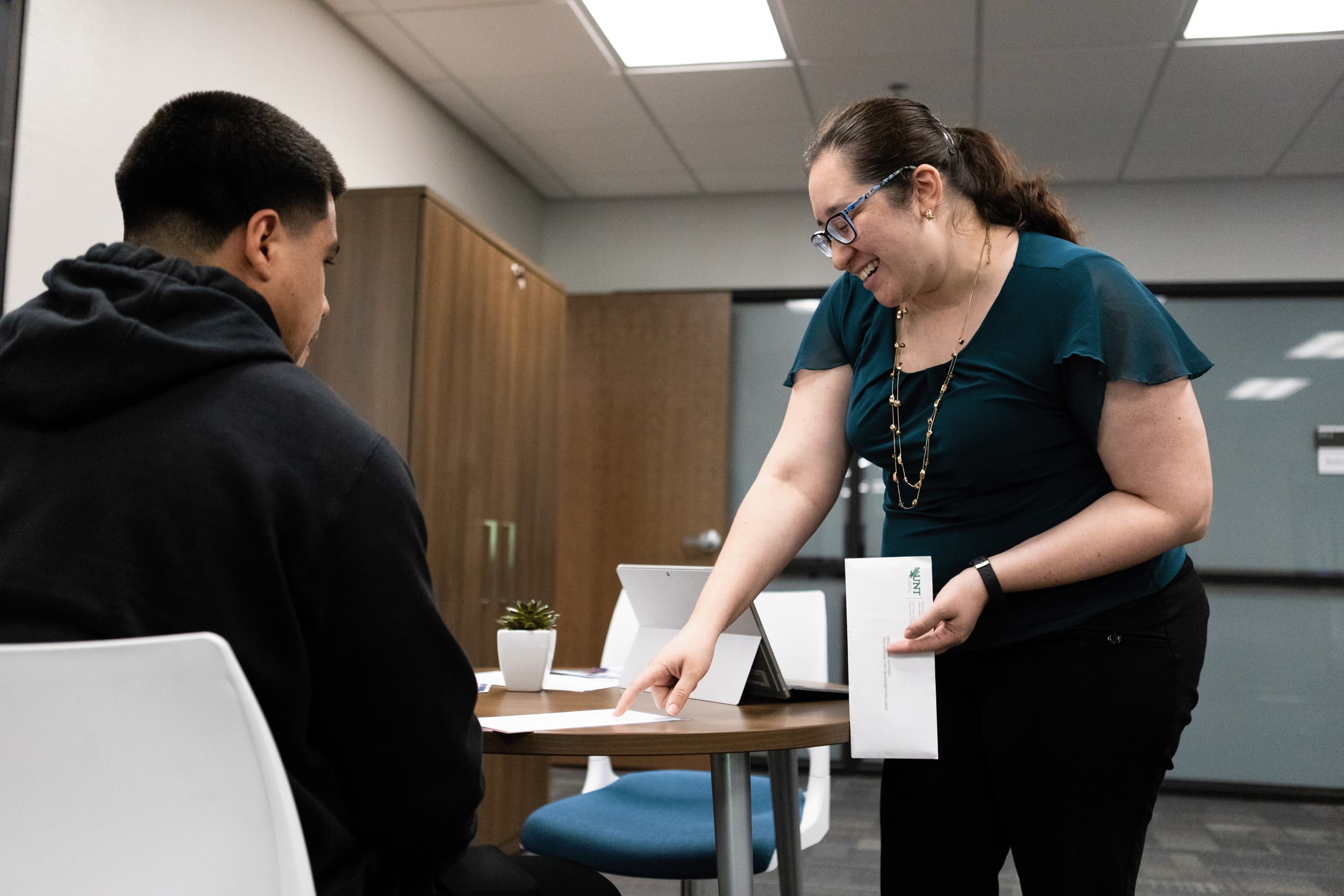
One of the most important steps of enrolling in college courses is making a plan. Advisors and Success Coaches are here to help you with planning your courses based on your goals as a student.
Whether you are wanting to graduate with your Associate’s Degree or gain transferable credits towards your Bachelor’s degree, we’re here to help you plan for your future by giving you action steps to get you on track.
Section Heading
Custom formats can be applied via the TinyMCE editor to apply buttons styles to links. Note that within the editor text in buttons for internal (section/content links) will appear blue, but this is just within the editor, the style will be fine in preview and published content.
Sub-Heading
To add a button style to a link, select the link and apply the one of the relevant custom format from the toolbar.
Section Heading
Custom formats can be applied via the TinyMCE editor to apply buttons styles to links. Note that within the editor text in buttons for internal (section/content links) will appear blue, but this is just within the editor, the style will be fine in preview and published content.
Sub-Heading
To add a button style to a link, select the link and apply the one of the relevant custom format from the toolbar.
Section Heading
Custom formats can be applied via the TinyMCE editor to apply buttons styles to links. Note that within the editor text in buttons for internal (section/content links) will appear blue, but this is just within the editor, the style will be fine in preview and published content.
Sub-Heading
To add a button style to a link, select the link and apply the one of the relevant custom format from the toolbar.